

Inertial Bounce
After Effects Code for Organic Movement
Basketball Spin Effect
Linear keyframe data can get the job done but keyframes that ease-in and ease-out look way more organic and natural. To add some realistic bounce effects to graphics in After Effects I use code called “Inertial Bounce“.
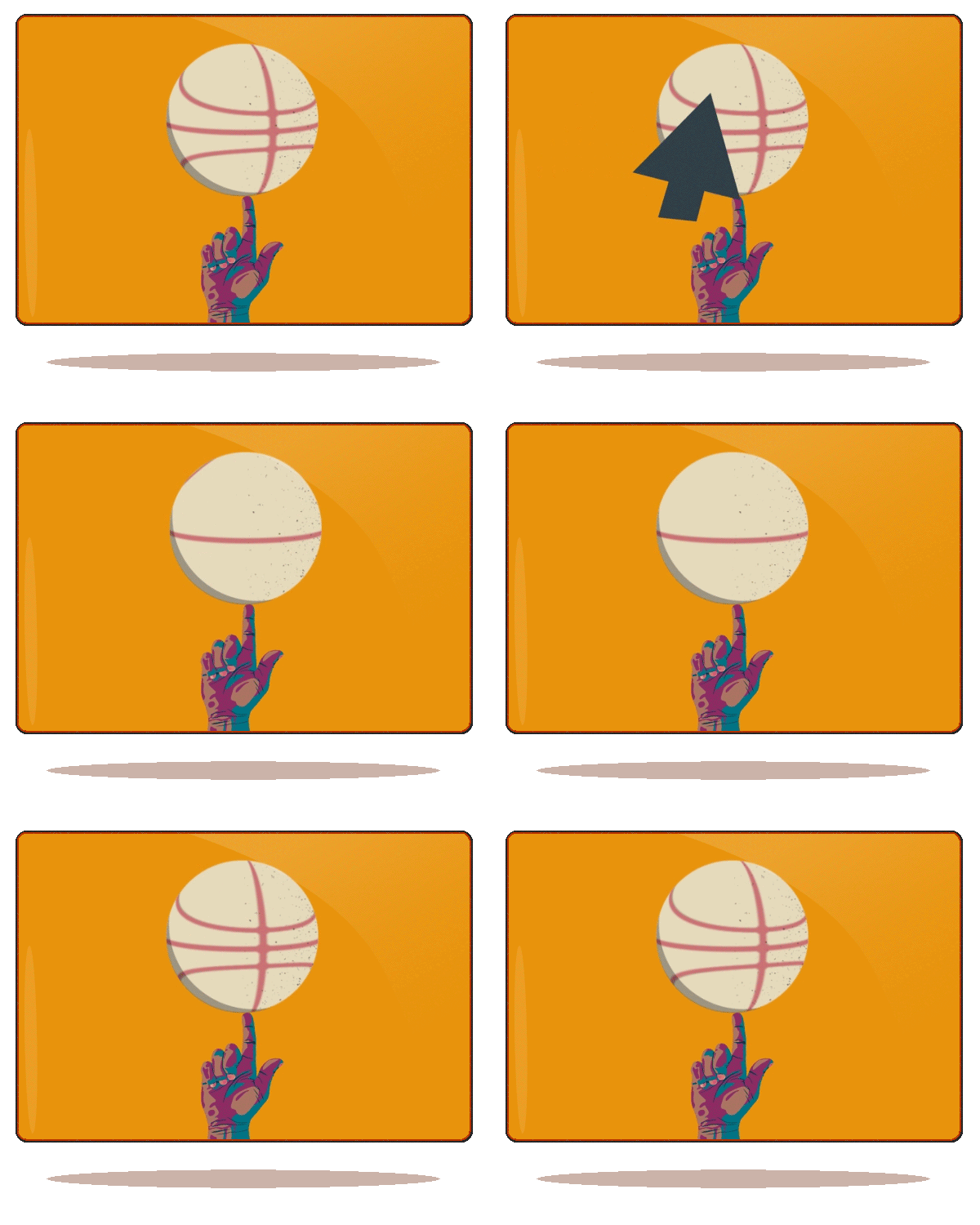
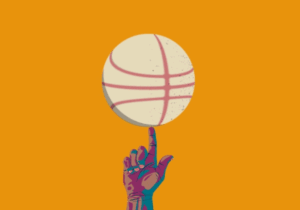
ABOVE: Basketball Spin Effect
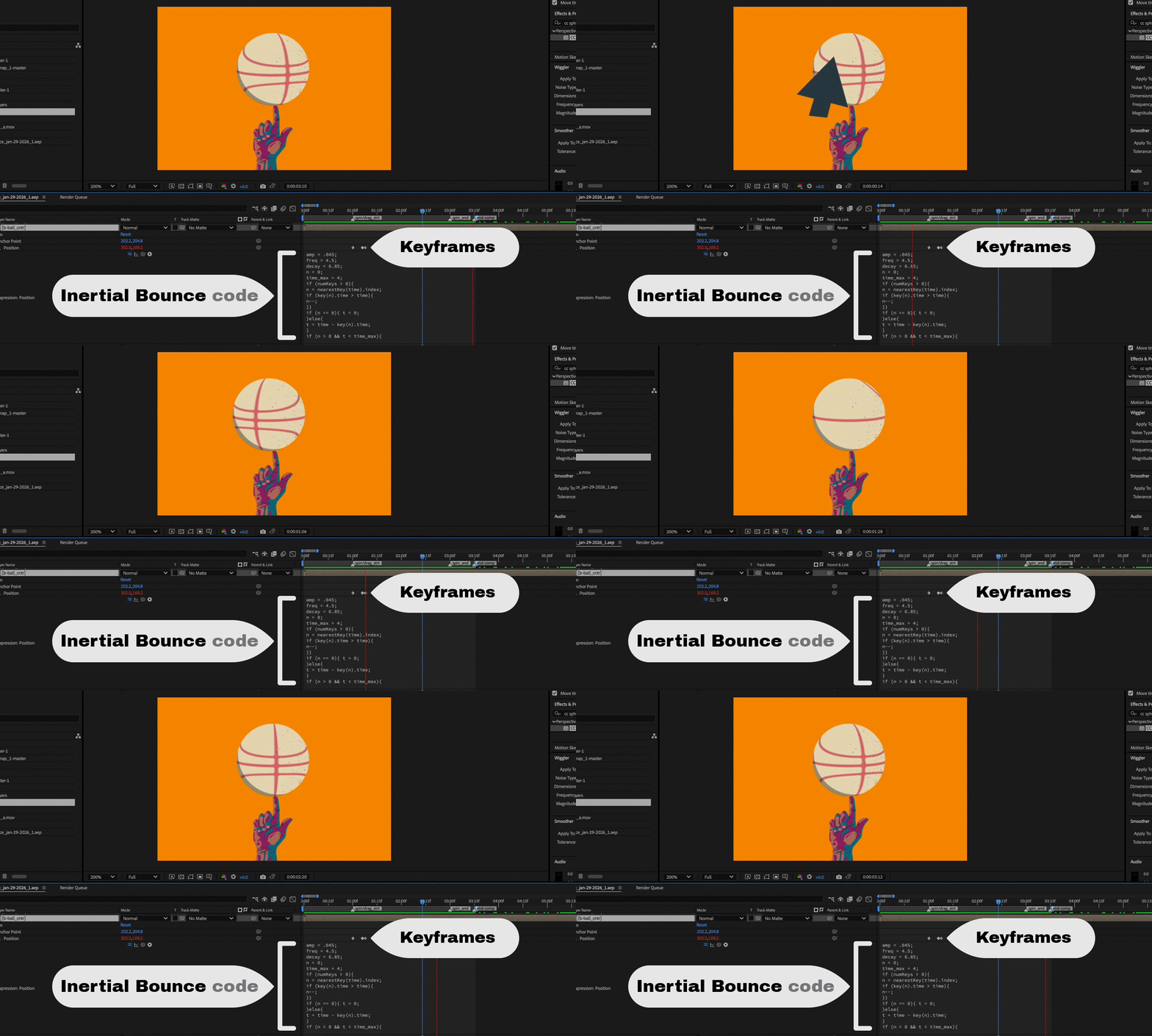
Above: In this composition the cursor moving by the screen attaches to the basketball briefly letting go creating pull on the ball then releasing. The basketball object snaps back to its original position with an inertial bounce effect. The effect causes the ball to move back and forth on the horizontal axis reducing in velocity each time it passes the actual keyframe x-position set in the timeline.
The effects makes the ball move with a rubbery effect that reduces to no movement over time. How long and how aggressive the animation depends on some factors.
- duration of the animation
- frame rate
- code properties
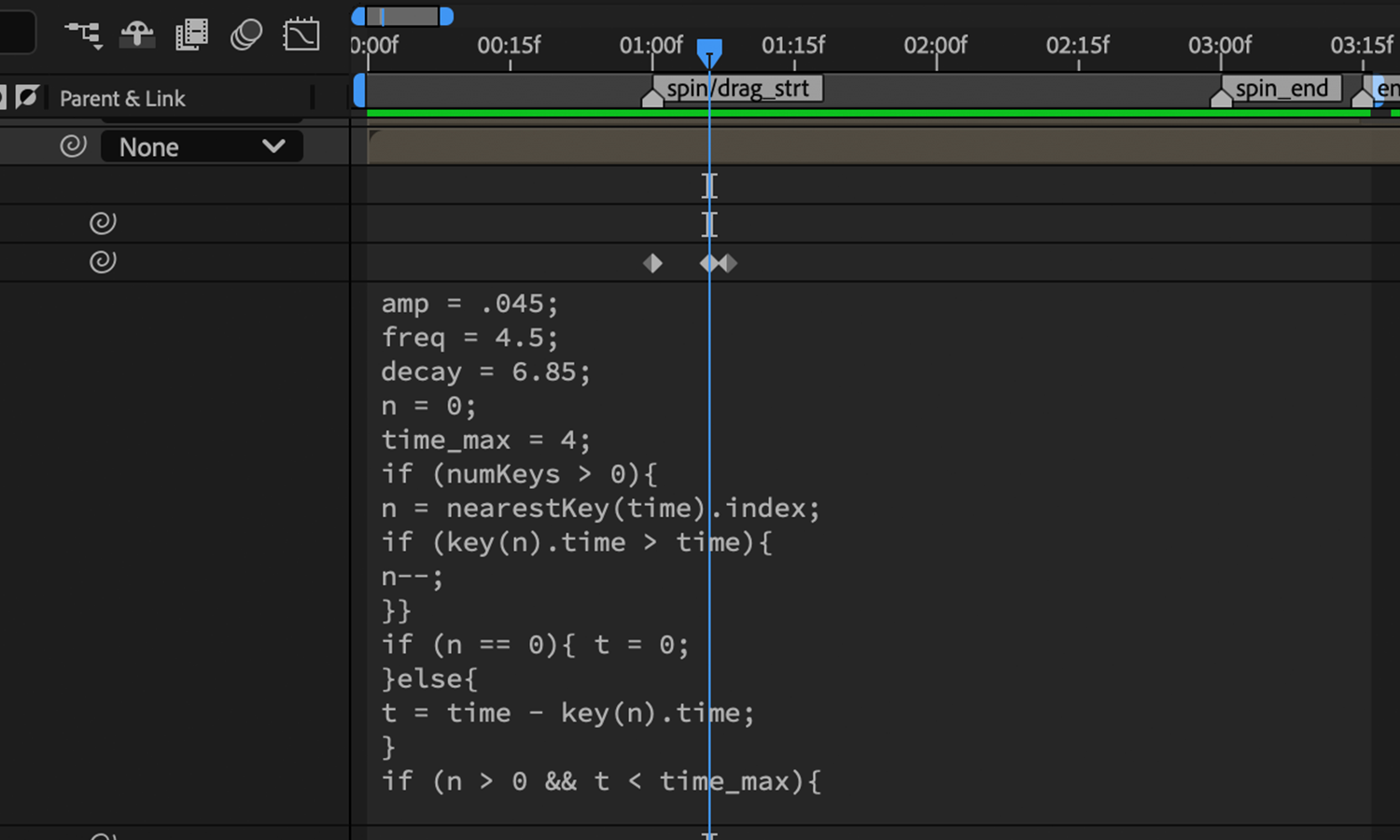
ABOVE: Code Insertion
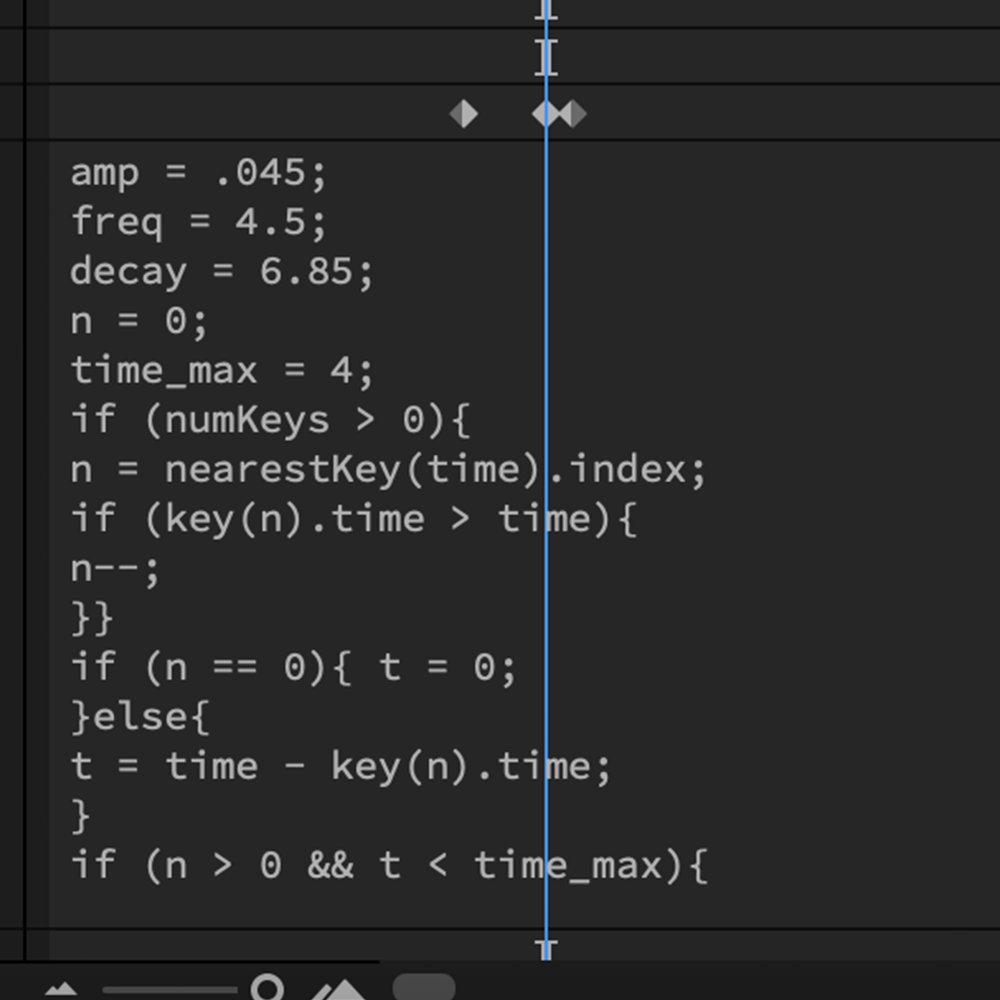
Above: Code is added to the “Position” properties of the basketball. When the basketball moves code amplifies its movement and transforms the ball back and forth according to its initial velocity.
There are three main properties to work with:
Amplitude: how hard the ball should spring back in the direction of the animation
Frequency: how many times the ball should move in either direction over the duration according to amplitude
Decay: how fast the ball returns to its intended position set by the (final) keyframe data
you can play with and adjust these numbers to fit your specific requirements
Inertial Bounce Code
for After Effects
The inertial bounce code can be modified to fit you project. Here are some important tips.
- Data between the second last and last frames of each movement is where inertial bounce generates its bounce from, moving things slowly over a large duration will typically result in little to no effect by default
- adjusting frequency and decay can change aggressiveness of the effect